
The Ultimate Guide to Hard Disk Drives for Xbox 360 Slim
Introduction
Finding the ideal hard disk drive for your Xbox 360 Slim can revolutionize your gaming experience. While this console provides a great platform for many games, its built-in storage can be limited. Upgrading your hard disk drive (HDD) allows for expanded storage capacity and improved system performance. This guide aims to shed light on everything you need to know about upgrading your Xbox 360 Slim to get the most out of your gaming adventures.
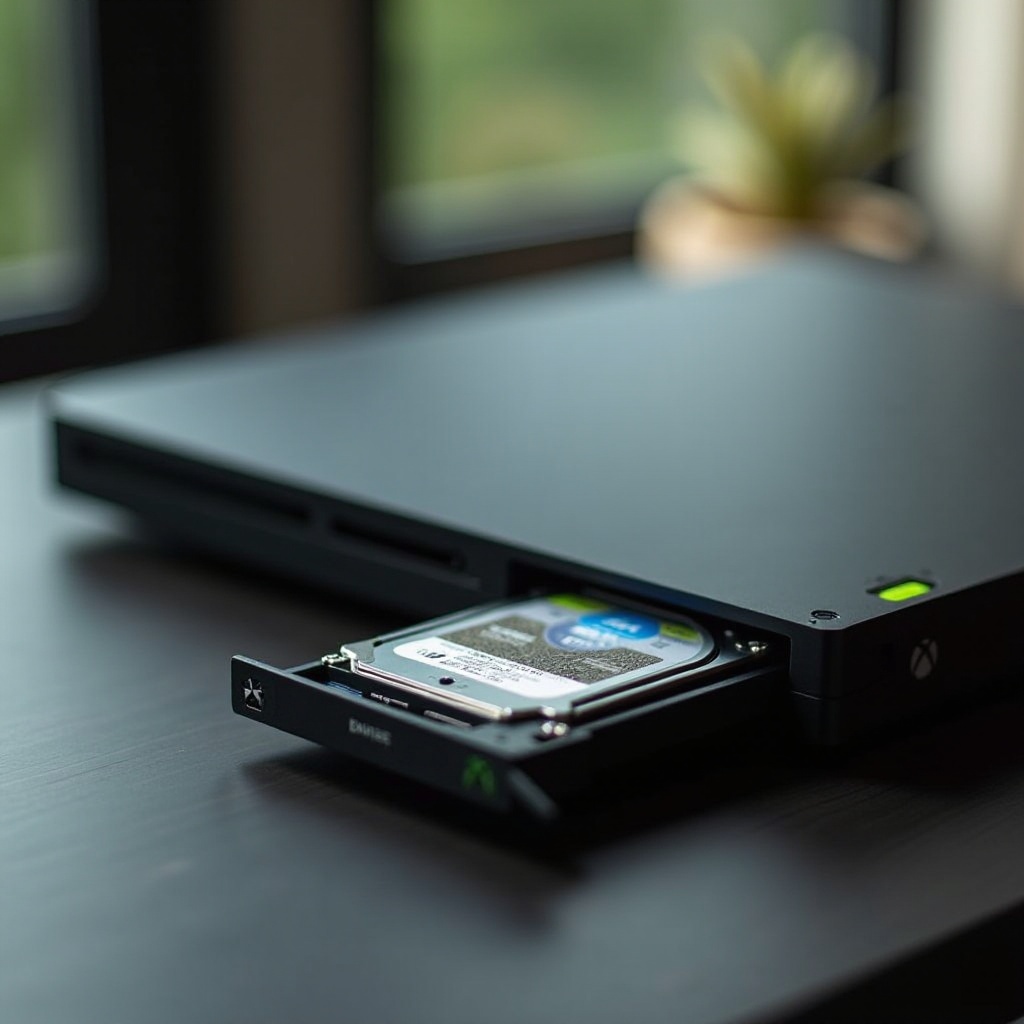
Understanding Hard Disk Drives for Xbox 360 Slim
The hard disk drive (HDD) is a crucial component of any gaming system, responsible for storing games, save files, and other media. A deeper understanding can facilitate informed choices when upgrading:
-
What is a Hard Disk Drive (HDD)?
The HDD is a magnetic storage device used to retain and retrieve digital data, crucial for game storage and media consumption. -
Compatibility with Xbox 360 Slim
Specific HDDs are built to sync seamlessly with the Xbox 360 Slim. It’s essential to ensure compatibility to avoid operational issues and mechanical damage. -
Benefits of Upgrading Your HDD
Upgrading the HDD can significantly boost storage capacity, reduce load times, and enhance the overall gaming experience.
Understanding these fundamentals lays the groundwork for identifying the best HDD options suitable for your Xbox 360 Slim. It’s about combining your console’s needs with the features provided by different HDDs.
Top HDD Options for Xbox 360 Slim
Choosing the right HDD involves looking at key features and well-regarded brands. Exploring these options is the next step:
-
Selecting the Right HDD: Key Features
Consider aspects like storage capacity (measured in gigabytes, GB, or terabytes, TB), speed (RPM), and reliability. Whether you play often or infrequently, your choice of HDD will affect performance. -
Leading HDD Brands and Models for 2024
Players frequently recommend brands like Seagate, Toshiba, and Western Digital, which offer a range of HDD sizes perfect for the Xbox 360 Slim. Popular models include the Seagate 500GB, Toshiba 320GB, and Western Digital 250GB.
Choosing your HDD is a crucial step, but ensuring a successful upgrade requires proper installation. Let’s delve into the necessary steps to install your new HDD correctly to avoid any pitfalls.
Installation Guide: How to Upgrade Your Xbox 360 Slim HDD
Installing a new HDD in your console doesn’t have to be intimidating. Here’s a simplified guide:
- Preparing Your Console
- Power down your Xbox 360 Slim completely.
- Remove all connected cables for safety.
-
Position your system securely on a flat surface.
-
Step-by-Step Installation Instructions
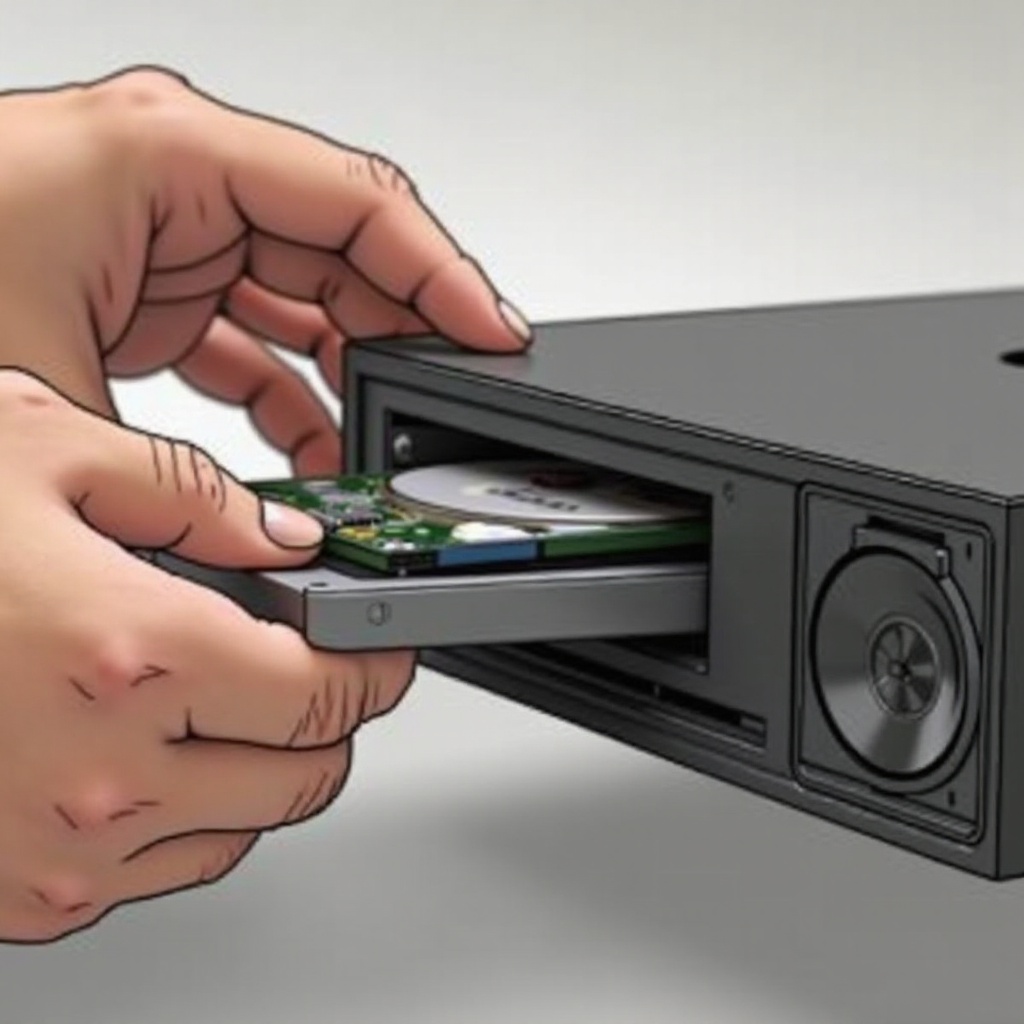
- Locate and open the HDD bay on your console.
- Carefully remove the existing HDD from its compartment.
- Gently insert your new HDD, ensuring it fits snugly.
- Secure the bay cover back in place.
-
Reconnect all cables and power up the system.
-
Tips for Ensuring a Smooth Installation
- Handle the HDD delicately to avoid static shock damage.
- Ensure the installation area is clean and well-lit to facilitate a smooth process.
With successful installation, the next crucial task is checking your new storage and transferring old data seamlessly, ensuring a continued gaming experience.
Managing Storage and Data Transfer
Optimizing storage and data handling enhances your gaming efficiency. Here’s how you manage that:
-
Data Transfer: Moving Old Data to New HDD
Utilize an official transfer cable for directly moving your data from the old HDD. Xbox Live’s cloud service is another option for safeguarding game saves. -
Efficient Storage Management Tips
Regularly move older games to external storage to free up space. Declutter often by deleting unnecessary files and using cloud storage to back up vital data.
Efficient data management ensures that your games run smoothly and that your gaming history is preserved. Troubleshooting and maintenance are vital for keeping your console in top shape, addressing any potential issues after installation.
Troubleshooting and Maintenance
After installing a new HDD, it’s important to prevent problems through regular maintenance and quick troubleshooting:
-
Common Installation Pitfalls
If your console doesn’t recognize the new HDD, double-check it’s compatible and securely installed. Re-seating the drive can often resolve issues. -
Ensuring Optimal Performance
Regularly clear your system cache and keep your console’s software updated. Periodic checks ensure your HDD operates at peak capacity.
Proper maintenance and periodic troubleshooting not only prevent issues but help sustain the performance and longevity of your console. This comprehensive approach ensures that your Xbox 360 Slim is ready for endless gaming.
Conclusion
Upgrading your Xbox 360 Slim with a new hard disk drive transforms your game library and boosts overall performance. With increased storage, reduced loading times, and a more efficient gaming experience, investing in a good HDD is a game-changer. Following this guide, you can select, install, and maintain your HDD with ease, making your console a powerhouse of gaming potential.
Frequently Asked Questions
Can I use any HDD with my Xbox 360 Slim?
No, it’s crucial to select an HDD specifically compatible with the Xbox 360 Slim to ensure full functionality and avoid any potential damage.
How much storage capacity should I consider?
A minimum of 320GB is recommended for casual gamers, while those with extensive game collections may want to consider 500GB or more.
What should I do if my Xbox 360 doesn’t recognize the new HDD?
Ensure the HDD is properly installed and compatible. Check that your console’s software is updated, and try reseating the HDD.