
How to Fix Xbox Won’t Eject Disc Issues in 2024
Introduction
Experiencing trouble with your Xbox refusing to eject a disc can be a major annoyance in your gaming journey. Whether it’s due to a mechanical hindrance or a software hiccup, diagnosing the core issue is vital. Luckily, there are simple solutions available to tackle this common hurdle. This comprehensive guide will steer you through resolving the problem, so you can focus on your gaming exploits without interruption.
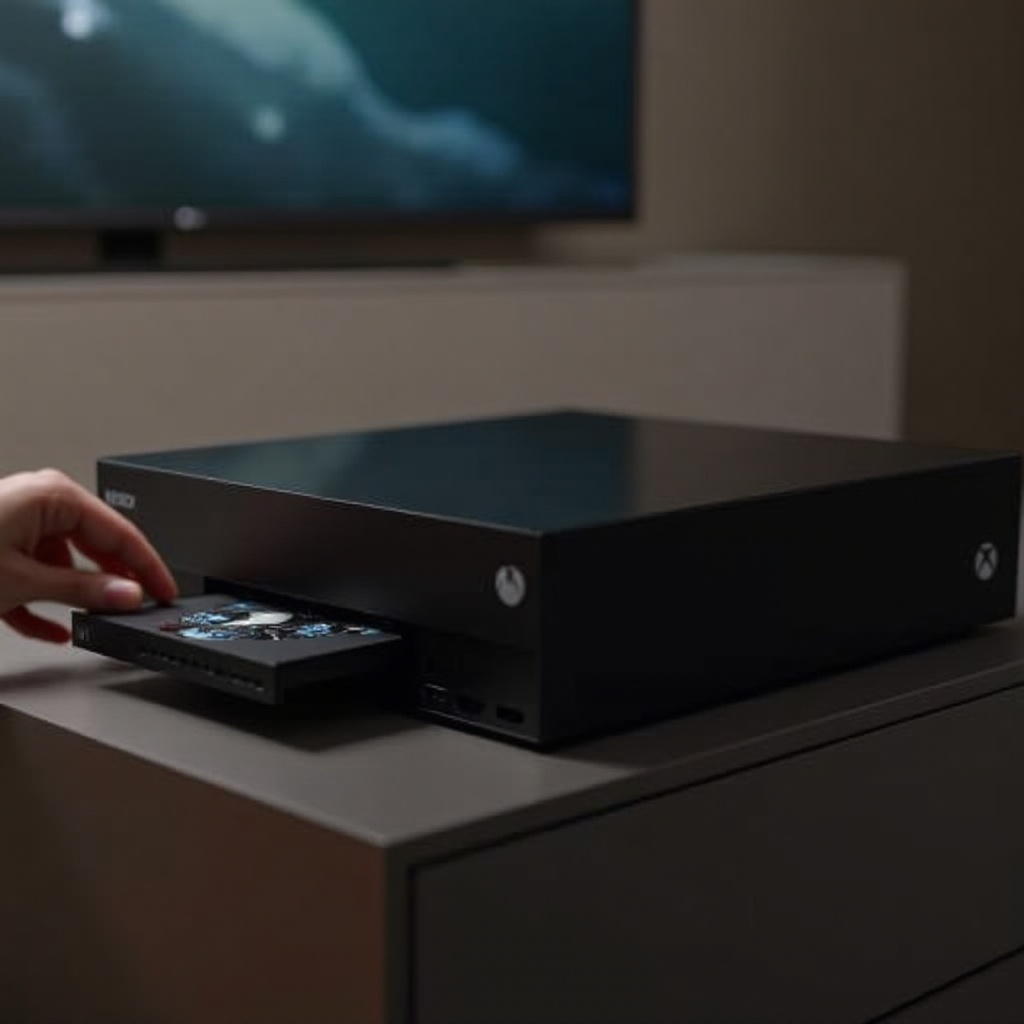
Common Reasons Why an Xbox Won’t Eject a Disc
To start fixing your Xbox, it’s crucial to understand the potential reasons behind the disc ejection issue. Here are the key culprits:
- Hardware Malfunction: Over time, the disc drive’s components might wear out, causing ejection failures.
- Software Glitches: Occasionally, system updates may inadvertently introduce hitches, including disc drive malfunctions.
- Physical Obstructions: Dust, debris, or foreign items can obstruct the disc drive, hindering it from ejecting discs smoothly.
Recognizing these factors helps streamline the troubleshooting process, paving the way to effective solutions.
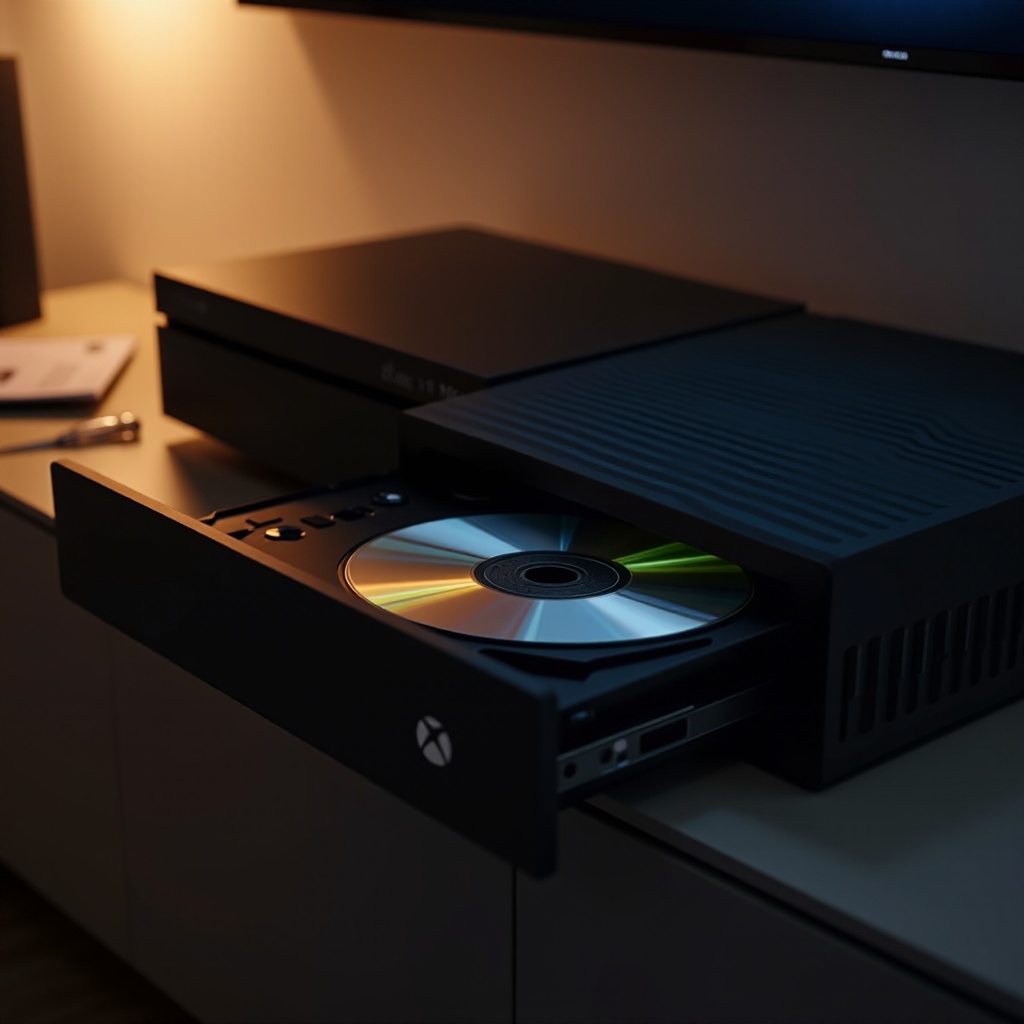
Step-by-Step Guide to Ejecting a Disc from an Xbox
Once you’ve deduced the potential cause, tackle the issue with these foolproof strategies to either manually or automatically eject the disc from your Xbox:
- Manual Ejection Methods:
- Power off your Xbox and disconnect it from the power outlet.
- Locate the designated manual eject hole adjacent to the disc drive.
-
Insert a paperclip into the hole gently until the disc tray is released.
-
Software Troubleshooting Procedures:
- Restart the console by pressing and holding the power button for 10 seconds until it shuts down.
-
Navigate to Settings > Devices & streaming > Blu-ray > Persistent storage, then clear it to refresh the disc drive’s memory.
-
Using Troubleshooting Tools:
- Access the console’s built-in tools through the Troubleshooting section in Settings. Follow the guided instructions to diagnose and resolve hardware issues with the disc drive.
Implementing these steps can often rectify the problem. If successful, your Xbox should resume normal operations. Now, let’s explore strategies to avert such issues in the future.
Preventing Future Ejection Problems
Preventing issues is always more effective than addressing them post-factum. To keep your Xbox in prime condition and avoid future disc ejection problems, consider these tips:
- Regular Cleaning and Maintenance Tips:
- Keep your Xbox clean with a microfibre cloth, avoiding the use of any objects inside the vents.
-
Remove dust and debris from the gaming area to prevent them from entering the console.
-
Importance of Software Updates:
- Consistently check and download updates provided by Microsoft to ensure compatibility and fix known issues.
-
Enable auto-updates to guarantee your console runs the latest system software.
-
Best Practices for Handling Discs:
- Avoid touching the disc’s surface; handle them by the edges to prevent smudges.
- Always return discs to their cases after use to prevent warping or damage.
By adhering to these practices, you can significantly diminish the likelihood of encountering disc ejection issues, maintaining optimal gaming functionality.
When to Seek Professional Help
However, there are instances when DIY solutions fall short, and expert intervention becomes necessary. Consider professional assistance if you observe:
- Repeated failures in ejecting discs despite employing recommended methods.
- Unusual noises or grinding sounds emanating from the disc drive.
- Visible signs of physical damage or wear on the disc drive.
These signs suggest more intricate hardware problems that require technical expertise. Reach out to an authorized service provider or contact Xbox support to facilitate repairs.
Conclusion
In summary, addressing Xbox disc ejection issues often involves pinpointing whether the source is hardware-related, software-based, or due to physical obstruction. The outlined steps aim to help you troubleshoot and resolve the problem independently. By implementing regular maintenance and staying updated with software improvements, you can minimize the chances of future disruptions. Remember, if these efforts don’t resolve your issue, reaching out for professional support is a wise decision.
Frequently Asked Questions
How do I manually eject a disc from my Xbox?
Locate the manual eject hole near the disc drive and gently insert a paperclip to release the tray.
Can software updates fix my Xbox eject issue?
Yes, updates from Microsoft can resolve compatibility and functionality issues affecting the disc drive.
What should I do if my Xbox continues having disc ejection problems?
Consult a certified technician if issues persist, suggesting possible hardware defects that need professional repair.