
How to Get Disc Out of PS4 Without Screwdriver
Introduction
A stuck disc in your PS4 can be a frustrating experience, especially when you don’t have a screwdriver nearby. Fortunately, you don’t need specialized tools to solve this issue. This article will guide you on how to safely remove a disc from your PS4, ensuring you’re quickly back in the game.
Reasons Why PS4 Discs Get Stuck
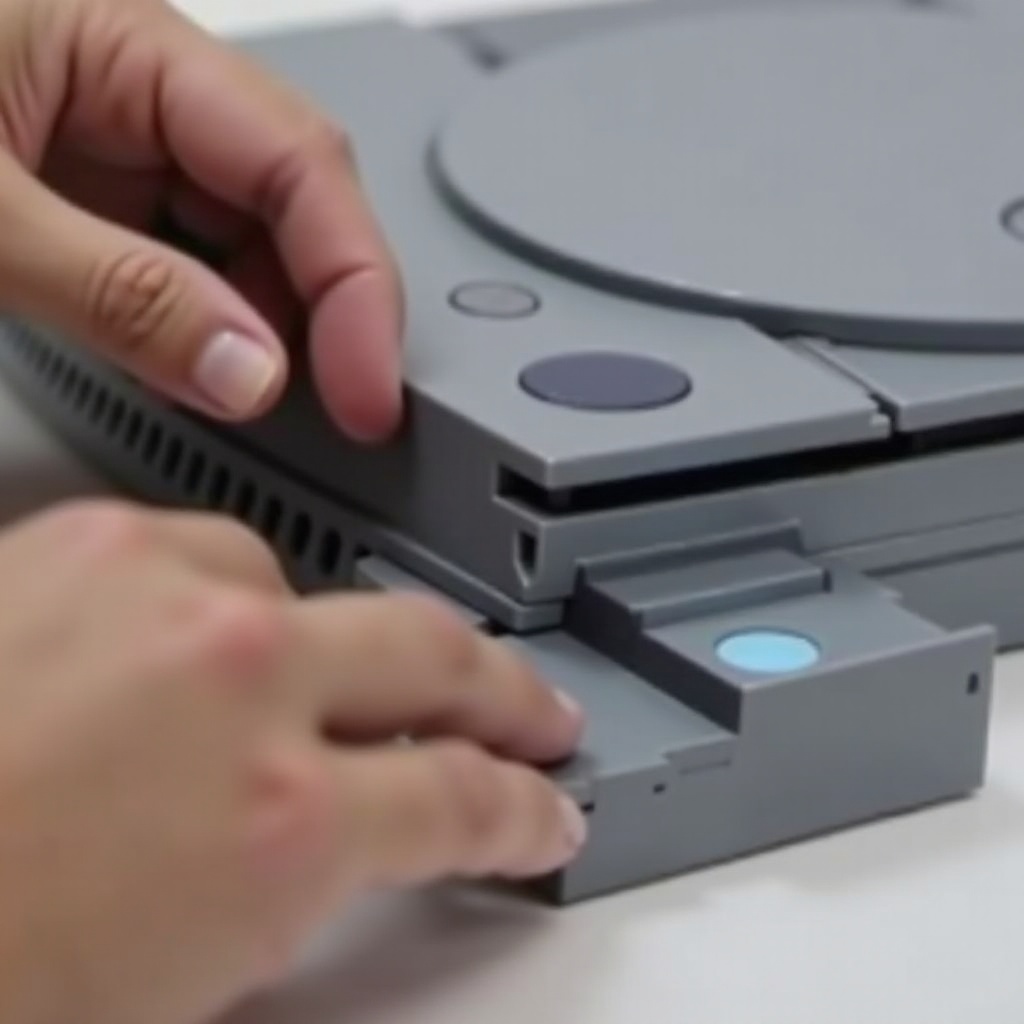
Understanding why discs get stuck can prevent future problems. Common causes include debris accumulation inside the console, misalignment due to improper handling, or mechanical failures within the drive. These factors can disrupt the ejection process, making it crucial to maintain your console.
Precautions Before Attempting Disc Removal
Before you start trying to eject a stuck disc, make sure to take a few safety precautions. Always turn off and unplug your PS4, place it on a stable surface, and ensure you have proper lighting. These measures help prevent further damage to the console or disc.
Methods to Eject a Stuck PS4 Disc Without a Screwdriver
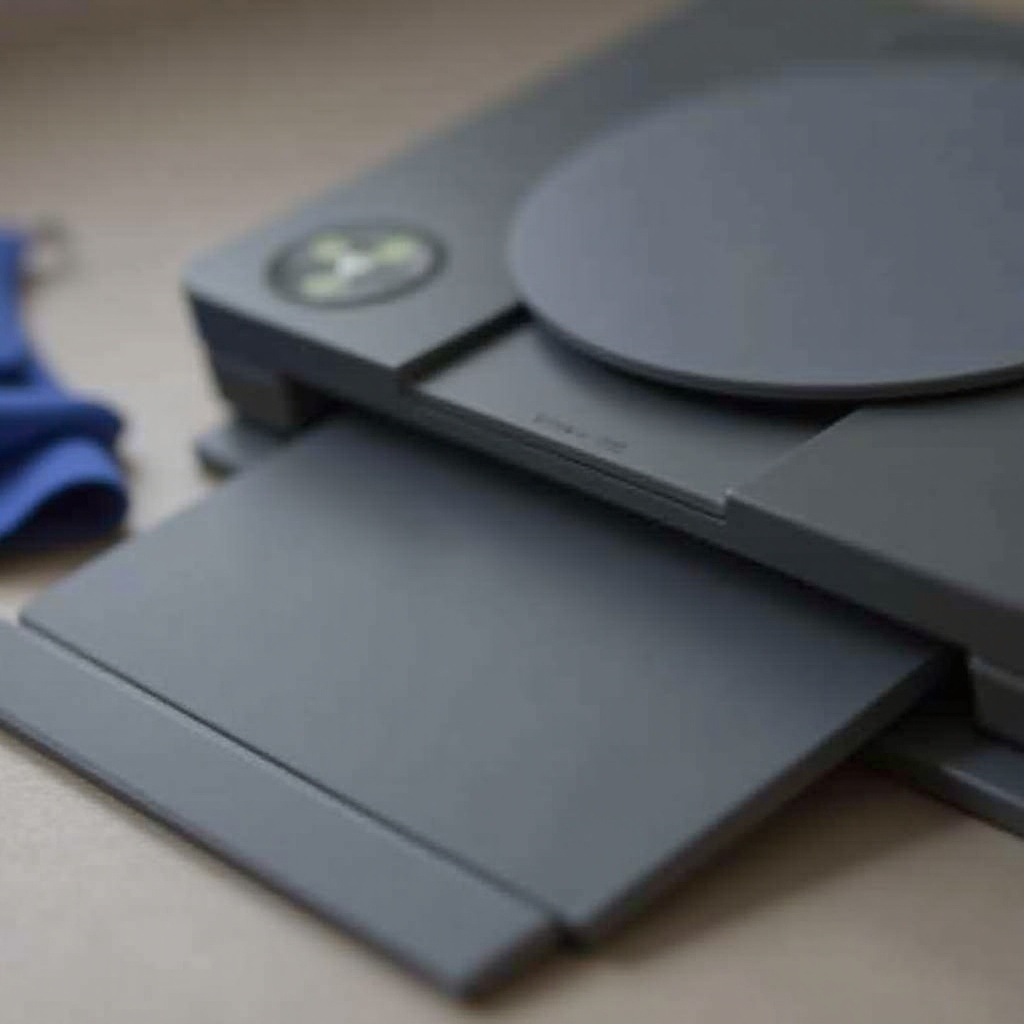
You can use several methods to safely remove a stuck disc without using a screwdriver.
Method 1: Use a Paperclip to Manually Eject the Disc
Straighten a paperclip and look for a small hole near the disc drive. Insert the paperclip gently until you feel resistance, then apply light pressure to manually eject the disc. This method can often solve minor sticking issues.
Method 2: Try the Gravity Technique
Stand your PS4 vertically and gently shake it while tapping the top. This method exploits gravity to dislodge a misaligned disc, helping it slide back into the correct position.
Method 3: Power Cycle and Safe Eject Methods
Unplug the console for a complete power cycle, then wait a few minutes before reconnecting. Once back on, attempt a normal eject. Restarting can help reset minor mechanical errors.
Additional Tips for Preventing Future Stuck Discs
To avoid dealing with stuck discs again, regularly clean your console, handle discs carefully, and keep your PS4 system updated. Routine maintenance and careful handling go a long way in reducing the risk of future problems.
When to Seek Professional Assistance
If your PS4 continues to have issues ejecting discs, consider professional help. Signs that it’s time to consult an expert include persistent sticking, unusual noises, or visible damage.
Conclusion
Ejecting a stuck disc from a PS4 without a screwdriver is achievable with patience and the right techniques. By understanding how to remove a disc safely and maintain your console, you can ensure a seamless gaming experience. Regular checks and careful handling will help prevent future issues with your PS4.
Frequently Asked Questions
Can I use other household items besides a paperclip?
Yes, other small, thin objects like a toothpick or a bobby pin can be used if they fit the manual eject slot.
Is it safe to keep trying if the disc doesn’t come out immediately?
If the disc does not eject after several attempts, stop to avoid damage and try another method.
What can I do to prevent my PS4 discs from getting stuck again?
Regularly clean your console, handle discs carefully, and ensure system updates to prevent issues.