
How Long Does a PS5 Controller Update Take? A Comprehensive Guide
Introduction
Updating your PS5 controller is vital for enhancing your gaming experience. Regular updates introduce new features, fix bugs, and bolster security, ensuring optimal functionality. But how long do these updates actually take? This comprehensive guide explores the time involved in updating PS5 controllers, complete with detailed steps, tips for a smooth process, and troubleshooting advice. By understanding this, gamers can maintain their controllers effectively in readiness for the latest gaming challenges.

The Importance of Keeping Your PS5 Controller Updated
Updating your PS5 controller regularly guarantees access to the latest enhancements, thus improving your gaming performance. Updates often bring new features, such as refined haptic feedback and adaptive trigger sensitivity. Additionally, updates address bugs affecting controller performance, ensuring smoother and more reliable gaming sessions. Furthermore, with enhanced security features, updates protect your console and data from vulnerabilities. Keeping your controller up-to-date ensures compatibility with system updates and new games. Knowing this, how do you ensure timely updates?
How to Update Your PS5 Controller
The process for updating your PS5 controller is straightforward:
-
Connect your controller: Start by attaching the controller to your PS5 console using a USB cable. Ensuring a stable connection minimizes the risk of interruptions.
-
Access the update prompt: Once connected, your console will automatically prompt an update if available, guiding you through the process.
-
Follow the on-screen instructions: Simply confirm the update when prompted by the system, and follow any specific instructions provided.
-
Await completion: The screen will display progress throughout the update. Once finished, you will receive confirmation that the controller is updated.
Following these steps ensures your controller is running the latest firmware. Typically, how long should you expect this to take?
Typical Duration for a PS5 Controller Update
Generally, a PS5 controller update takes between 5 to 10 minutes. However, several factors could affect this:
- Internet speed: Faster internet connections facilitate quicker downloads of update files.
- File size: Larger updates, often with significant new features or security patches, may take longer.
- System performance: A well-functioning console with sufficient available space operates smoother and faster during updates.
Understanding these factors aids in managing your time effectively when planning for controller updates. Preparation plays a significant role in mitigating potential delays or issues.
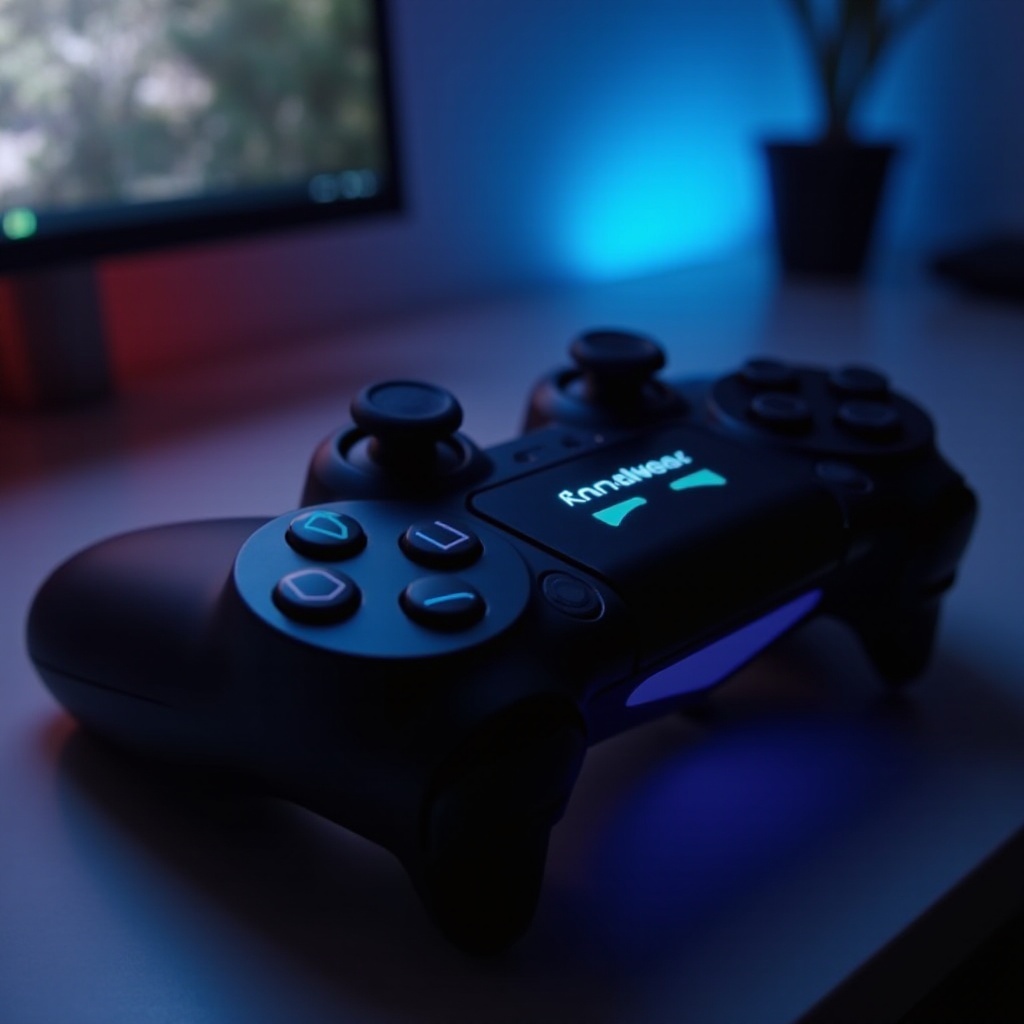
Tips for a Smooth PS5 Controller Update
To ensure a seamless update experience, consider these tips:
– Ensure a stable internet connection: A reliable connection reduces interruptions, and using a wired connection is advisable if Wi-Fi is unstable.
– Keep your console updated: Regular system software updates on your PS5 ensure compatibility and smooth controller updates.
– Fully charge your controller: Having a charged battery during the update can prevent mid-process disruptions and errors.
By following these recommendations, you can streamline the update process. What if you encounter issues?

Troubleshooting Common Update Issues
Occasionally, you may face challenges during an update. Here are solutions to typical problems:
– If your update is stuck, restart your console and attempt the update again, ensuring stable connectivity.
– For failed updates, check your internet connection and retry. Additionally, ensure your PS5 has the latest system updates.
– If you receive error messages, note the error codes and visit PlayStation’s support page for specific guidance.
Effective troubleshooting keeps your controller performing well, but you may still have additional questions about this process.
Conclusion
Regular updates for your PS5 controller are quick yet essential for maximizing your gaming experience. By understanding both the process and time involved, you can ensure your hardware is secure, functional, and ready for anything. Carefully preparing and promptly addressing issues can make all the difference. Following this guide helps you confidently manage your PS5 controller updates, paving the way for uninterrupted, high-quality gameplay.
Frequently Asked Questions
What should I do if my PS5 controller update is stuck?
Restart your console and attempt the update again. Ensure your internet connection is stable.
Can I use my PS5 controller while it’s updating?
No, it is recommended not to use the controller during the update to ensure it applies properly without errors.
How often are PS5 controller updates released?
Updates are released periodically when new features need support or when bug fixes and security improvements are necessary.