
How to Fix Apple Watch Not Tracking Exercise Correctly
Introduction
The Apple Watch is a trusted companion for fitness enthusiasts, known for its advanced features in tracking exercise and health metrics. When the watch doesn’t track exercise correctly, it can be a major setback, interfering with your fitness goals. Identifying the root causes of these inaccuracies and implementing solutions can revitalize your Apple Watch’s functionality.
Common Reasons for Apple Watch Tracking Issues
Several factors can cause your Apple Watch to inaccurately track exercise metrics. Knowing these potential issues is the first step toward resolution.
- Incorrect Settings and Configurations: Exercise tracking depends on well-configured settings. Mismatched configurations can skew data.
- Software and Firmware Problems: Check for the latest updates, as software glitches in outdated operating systems might affect tracking.
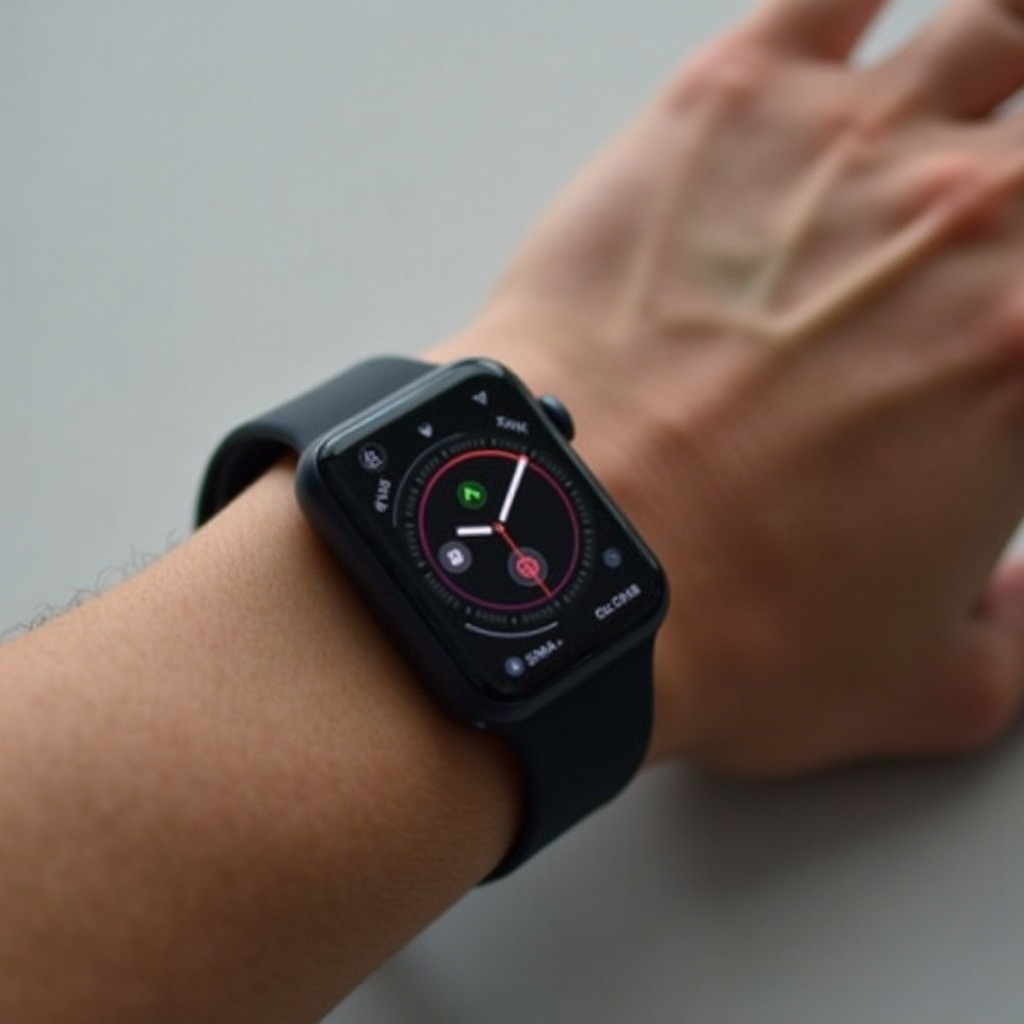
- Physical Fit and Sensor Placement: The watch must fit snugly to ensure sensors function correctly. Improper alignment can lead to inaccurate readings.
With a better understanding of these issues, you can follow targeted troubleshooting methods to restore the watch’s functionality.
Basic Troubleshooting Steps
Begin with these fundamental solutions to rectify minor software and configuration issues.
- Restart Your Apple Watch: A simple restart often fixes temporary software problems. Turn your device off and on to refresh its system.
- Update watchOS: Keeping software current is crucial. Access the Apple Watch app on your iPhone, and check for available software updates under General settings.
- Recalibrate Your Apple Watch: To recalibrate, go to your iPhone’s settings, find Motion Calibration & Distance, and toggle the option off and on.
By following these steps, you can often resolve minor inaccuracies in exercise tracking without needing professional intervention.
Advanced Troubleshooting Techniques
If basic troubleshooting doesn’t help, consider these advanced methods to address persistent problems.
- Reset Fitness Calibration Data: In your Watch app’s Privacy settings on the iPhone, choose to reset fitness calibration. This addresses persistent data errors.
- Location and Privacy Settings: Ensure that both location services and motion calibration are enabled to enhance tracking precision.
- Sensor and Hardware Checks: Clean the back of the watch regularly to ensure that sensors aren’t obstructed. For ongoing hardware concerns, contact Apple Support.
Advanced techniques highlight deeper calibration and sensor issues, offering solutions to ensure continued accurate tracking.
Optimizing Performance for Accurate Tracking
After resolving tracking issues, you can further optimize your Apple Watch to enhance its tracking accuracy and performance.
- A Proper Fit: Ensure that the watch sits tightly against the wrist for reliable sensor readings.
- Customizing Workout Settings: Adjust settings in the Workout app based on your fitness regimen. Enable features that complement your activity types.
- Using Third-Party Apps: Sync the watch with fitness apps that offer additional features. Proper integration ensures comprehensive data tracking.
By focusing on these optimizations, you maintain a watch that’s primed not just to track data accurately but to enhance your fitness journey.
Conclusion
Addressing and fixing Apple Watch tracking inaccuracies involves a combination of understanding configurations, applying basic and advanced troubleshooting steps, and optimizing its use. With these measures, you can expect accurate exercise data and maximize the potential of your Apple Watch.
Frequently Asked Questions
Why is my Apple Watch not recording my workout duration accurately?
Inaccurate duration can result from Auto-Exercise Detection settings. Adjust these settings and recalibrate your device to refine time tracking.
How can I improve heart rate accuracy on my Apple Watch?
Ensure a snug wrist fit, clean sensors regularly, and avoid loose clothing near your wrist to enhance heart rate monitoring precision.
What should I do if my Apple Watch still doesn’t track exercise correctly after troubleshooting?
Contact Apple Support, as persistent issues might necessitate professional diagnosis or hardware replacement.