
Mastering Night Photography: Unleashing the Power of Android Camera Night Mode
Introduction
Night photography offers a captivating opportunity to capture the beauty and mystery of the evening. With the latest advancements in Android camera technology, even amateur photographers can create stunning nighttime images. This article explores the nuances of Android’s night mode, delving into tips, recommended phones, and how to avoid common mistakes.
Understanding Night Mode on Android
What is Night Mode?
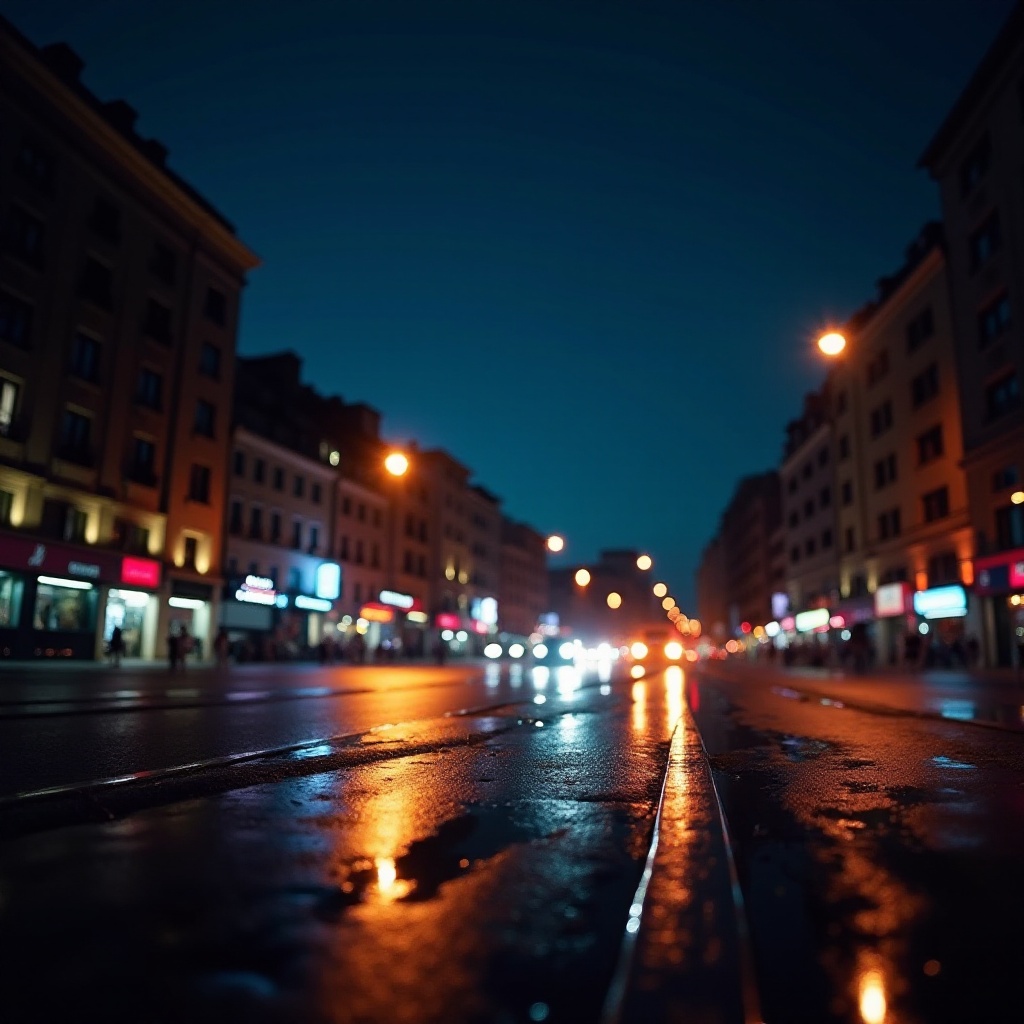
Night mode is a unique feature designed for low-light conditions. Unlike standard camera settings, it uses longer exposure times to gather more light, resulting in brighter and clearer photos. The software reduces noise and enhances lighting for vivid results.
The Technology Behind Night Mode in 2024
In 2024, night mode uses cutting-edge AI technology to recognize scenes and adjust accordingly. This optimization allows for detailed and vibrant images even in dim settings. Improved sensors aid in capturing more light, enhancing the overall quality of night photography.
Benefits of Using Night Mode
Night mode is invaluable for capturing the urban landscape, nightlife, and celestial events. It facilitates creative experimentation with features like light trails, enabling photographers to expand their artistic horizons.
The next step is to identify Android phones that excel in night photography, making informed decisions to enhance your experience.
Top Android Phones Featuring Powerful Night Mode
Google Pixel 8: Leading the Charge
The Google Pixel 8 is renowned for superior night photography. Its combination of AI and advanced lenses delivers life-like images in darkness. Users can adjust settings manually for flexibility, catering to diverse photography needs.
Samsung Galaxy S24: Innovation Meets Quality
The Samsung Galaxy S24 continues to impress with innovations in night mode. Its multi-frame processing captures detailed, colorful images with minimal noise, even in challenging lighting situations.
OnePlus 11 Pro: Competitive Features and Price
For an affordable yet powerful option, consider the OnePlus 11 Pro. It uses advanced algorithms to produce bright, detailed images, making it a favorite among budget-savvy enthusiasts who demand high performance.
With the right device in hand, mastering specific techniques can further elevate your night photography.
Tips and Techniques for Stunning Night Photographs
Stabilization: The Key to Clear Shots
To avoid blurry images, stabilization is crucial:
- Use a tripod for steady shots.
- Rest your phone on a stable surface.
- Utilize any built-in stabilization features on your phone.
Manual Settings for Improved Results
Experiment with manual controls to enhance your night photos. Adjust ISO and exposure settings for better light control. Low ISO reduces noise, while longer exposure times result in brighter images.
Utilizing Supporting Apps for Enhancement
Enhance night shots with:
- Editing apps such as Adobe Lightroom to adjust lighting and contrast.
- Specialty camera apps that offer extended manual controls for night photography.
Understanding common pitfalls helps in refining your approach and achieving optimal results.
Common Pitfalls and How to Avoid Them
Relying Solely on Auto Mode
While auto settings offer convenience, relying exclusively on them can limit potential. Embrace manual settings to expand creativity and control.
Ignoring Available Light Sources
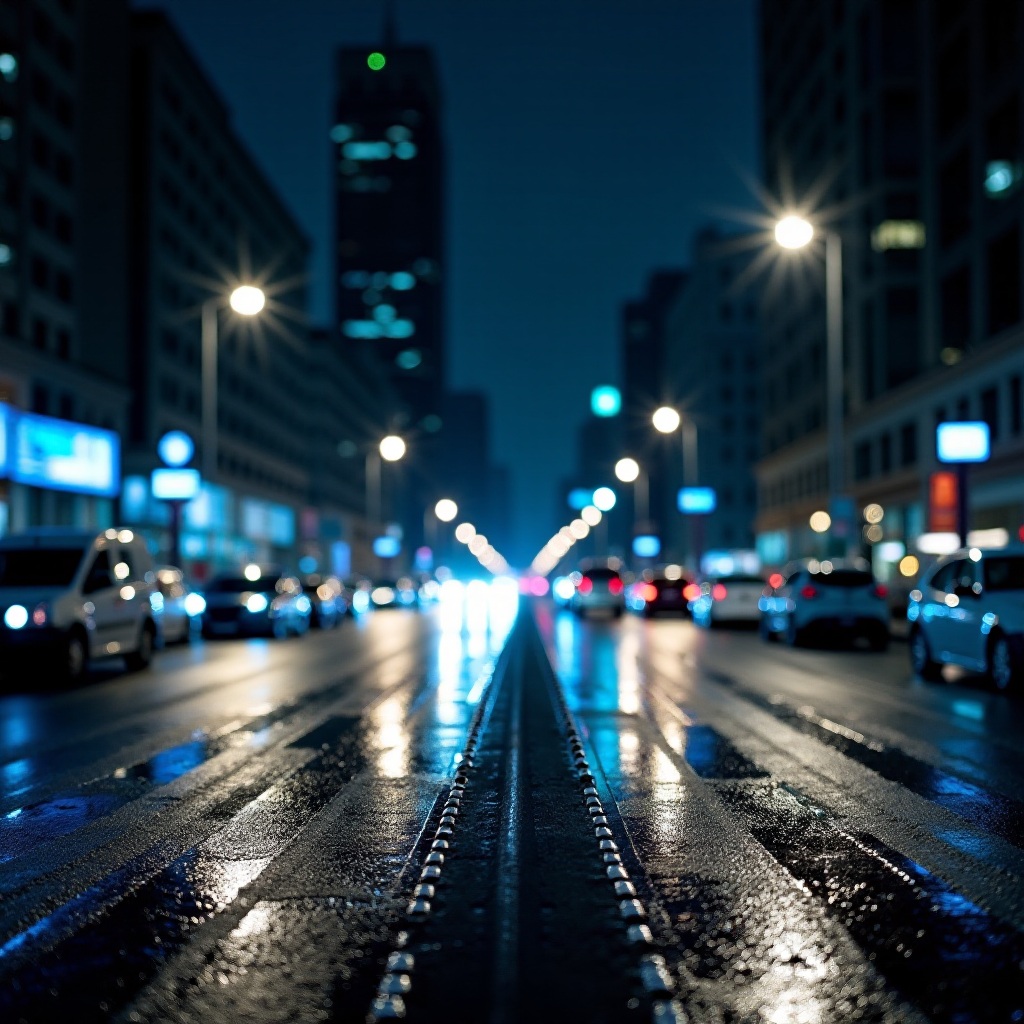
Make use of natural light like street lamps or moonlight to improve your compositions. These sources add depth and highlight subjects effectively.
Neglecting Post-Processing Opportunities
Post-processing is key. Editing software allows for adjustments in brightness and contrast, refining the image to achieve your vision without overdoing it.
Mastering night photography involves understanding your equipment and honing techniques for the best possible outcomes.
Conclusion
Android’s camera night mode offers a bridge to capturing the essence of night in vivid detail. Armed with the right device and techniques, you can unlock new creative possibilities. Whether you’re a casual photographer or a professional, Android’s night mode is a powerful tool in your photographic arsenal.
Frequently Asked Questions
How does night mode differ across Android brands?
Night mode varies by brand, offering different algorithms and hardware that affect low-light performance.
Can I use night mode without a tripod?
Yes, stabilize your phone using a solid surface or available stabilization features for clearer shots.
What are the best apps for editing night photos on Android?
Apps like Adobe Lightroom, Snapseed, and VSCO provide excellent tools for enhancing night photos post-capture.